Work from different computers
Your shells, desktops and window layout live on the machine, not in your browser. Change computers, and your work is where you left it.
Your setup is stuck on one computer.
Switching between your desk, your laptop and a borrowed machine means syncing repositories, reinstalling tools and losing whatever was running.
How it works
- 01
Work as usual
In the browser, tile a terminal with your dev server, another with your tests and a desktop with a graphical editor.
- 02
Walk away
Close the tab or the laptop. Shells and their programs keep running, and the desktop session stays open.
- 03
Continue elsewhere
Sign in from another computer. Your environments, terminals and arrangement are back, with the same programs running.
- 04
Or use SSH
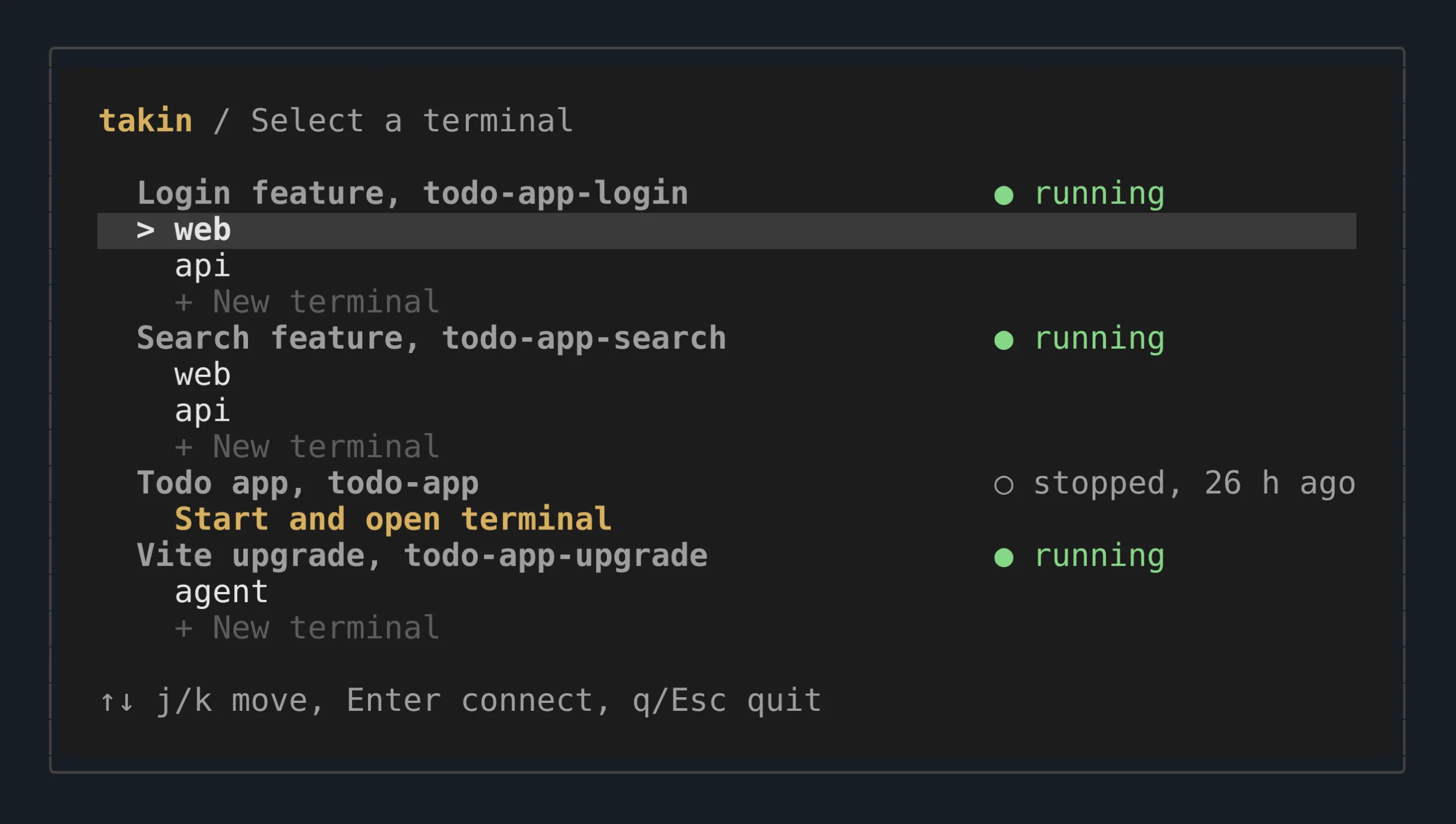
From any terminal, the menu lists your environments and running terminals. Attach to the same shell the browser shows; scp and SFTP work as usual.
$ ssh me@takin.run
Your work no longer depends on the device in front of you.
Good to know
- Updates to Takin itself leave your running sessions alone.
- Stopping or restarting an environment ends its processes. Files on disk stay.
- An environment stops after a longer period without activity.
- For SSH, add your public key in Takin's settings first.