Explore Takin
What a Takin environment includes, and how the pieces fit together.
Machines
Machines and Images
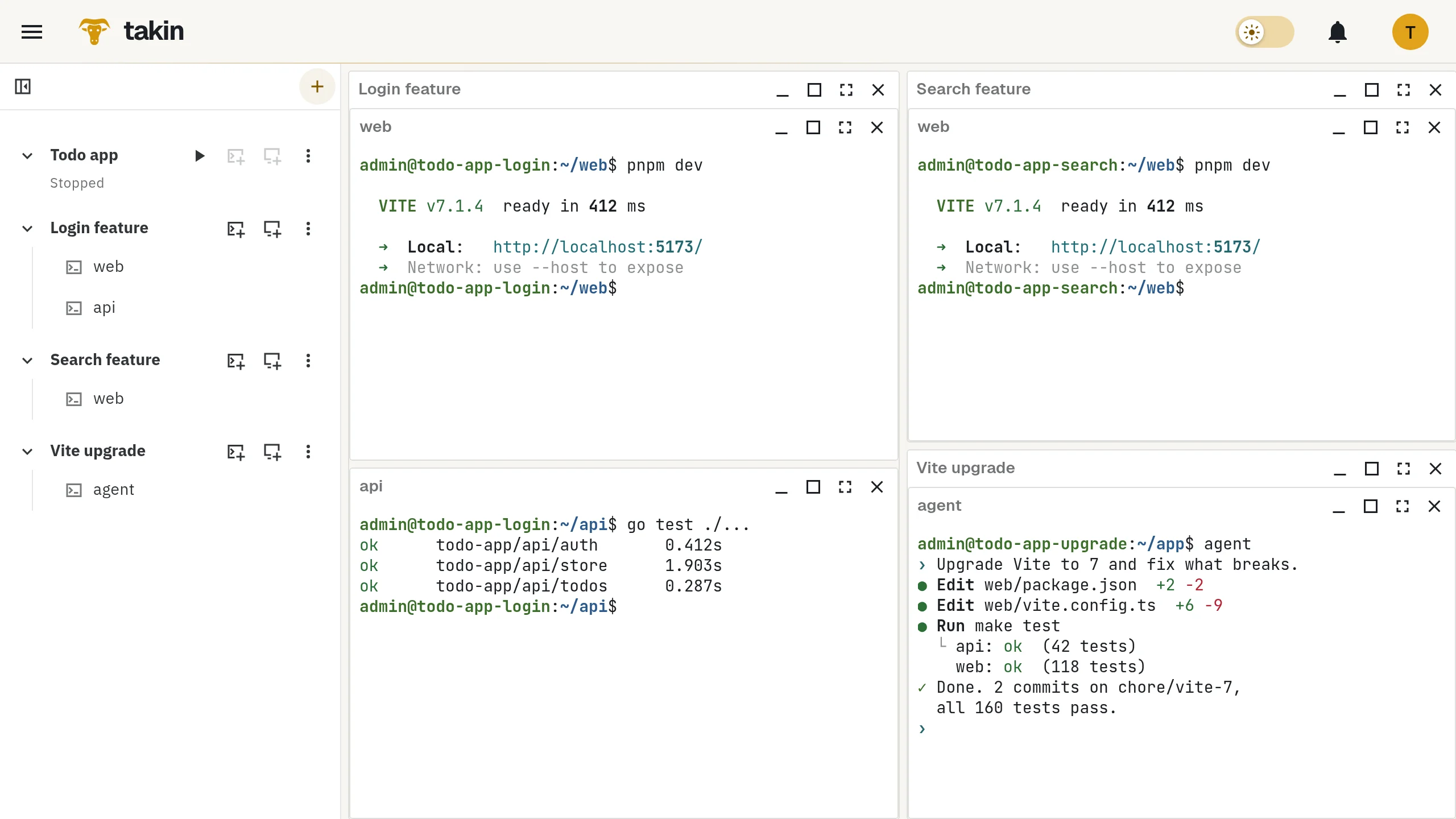
Each environment is a KVM virtual machine with your own Linux user and sudo. Start from a prepared Ubuntu or Debian Image, terminal-only or with GNOME or KDE Plasma, with shell and editor defaults already set. Install anything else the usual way, including Docker.
Pick a size at creation, add CPU and memory while it runs, grow the disk later. Images do not change under you: a newer Image is a new starting point, your existing environments stay as they are.
Clones
Clones and snapshots
A snapshot captures the disk of an environment. Restore it in place, or create a clone: a new, independent environment that starts with the same contents and a port space of its own.
Snapshots are crash-consistent disk images, not memory dumps, so services start fresh in a clone. Clones count against your account's storage like any environment.
Sessions
Sessions and layout
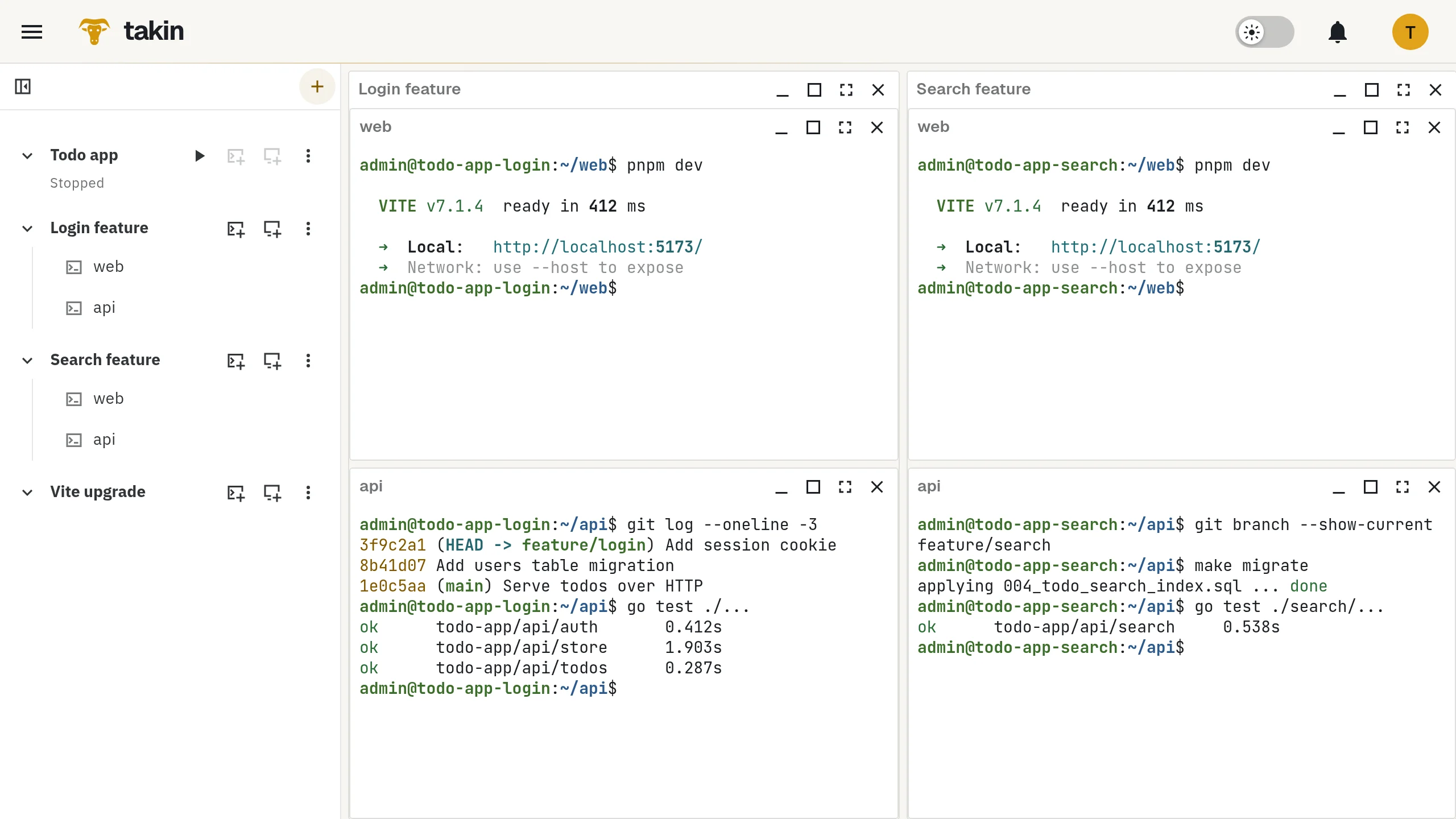
Terminal sessions and desktops live on the machine, not in your browser. Open the same session in the browser and over SSH.
Arrange terminals and desktops in a tiled layout per environment, resize by dragging, go fullscreen. The layout is saved with your account. Updates to Takin itself do not end your sessions, and copy and paste works between your computer and environment desktops.
Previews
Previews and graphical tools
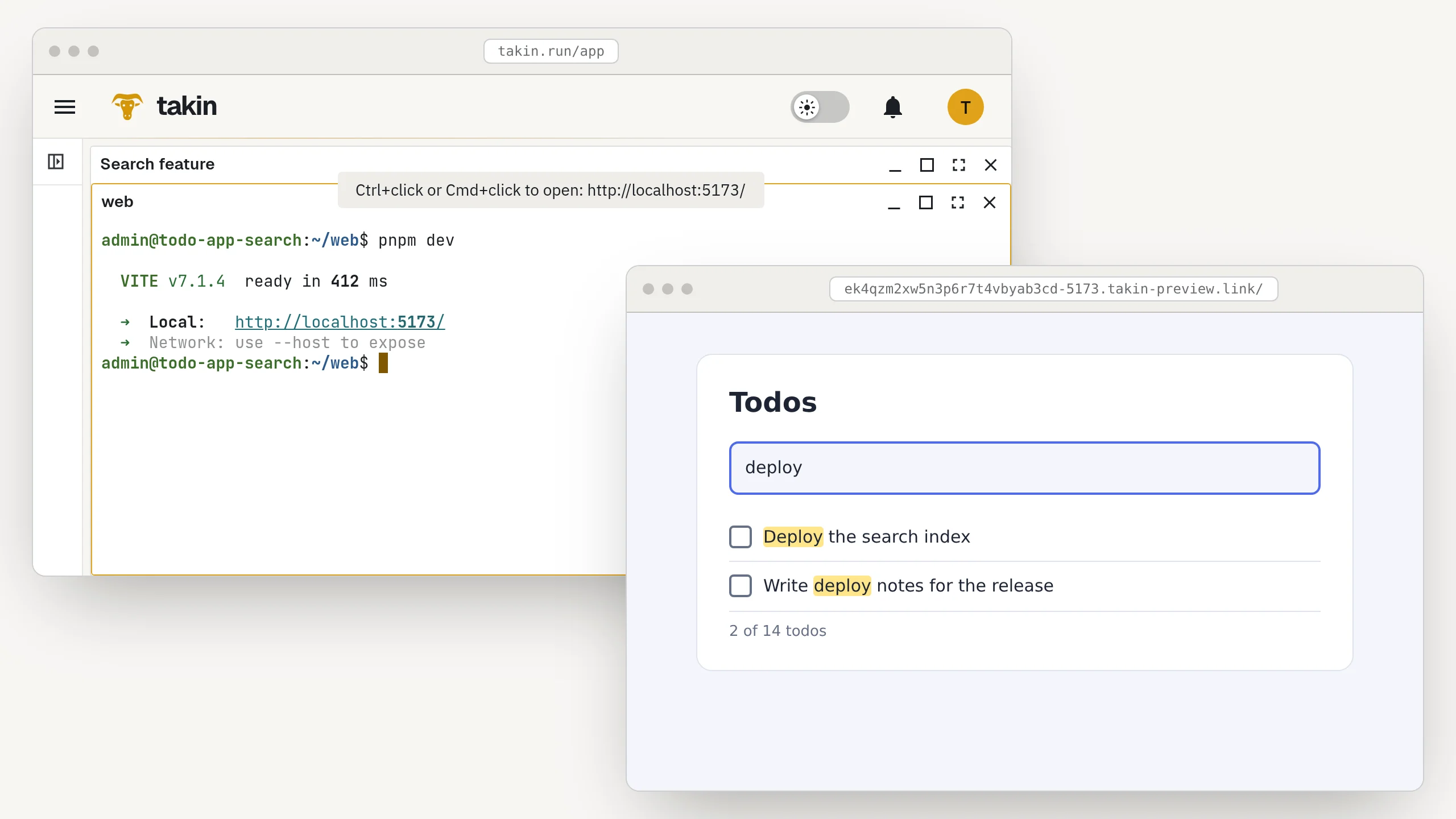
Ctrl+click a localhost link in a terminal and the dev server opens in your browser over private HTTPS, WebSockets and hot reload included. Only you can open it.
For anything graphical, use the environment's desktop next to your terminals.
Automation
Automation and control
HTTP and MCP give scripts and AI clients the same environments: create, clone, run commands, transfer files, follow terminals and operations. Review and revoke connected apps at any time.
Account limits keep usage predictable, and you can download or delete your account data.